 Lamponi
The no-bot recorder for property managers · Mac · Windows · Linux
Never drop a tenant request.
Lamponi is the AI meeting assistant and note taker built for property managers. It records your tenant calls, maintenance coordination with vendors, and owner updates — no bot ever joins — so nothing slips between the tenant, the contractor, and the owner.
Free to start · No credit card · No bot joins your call
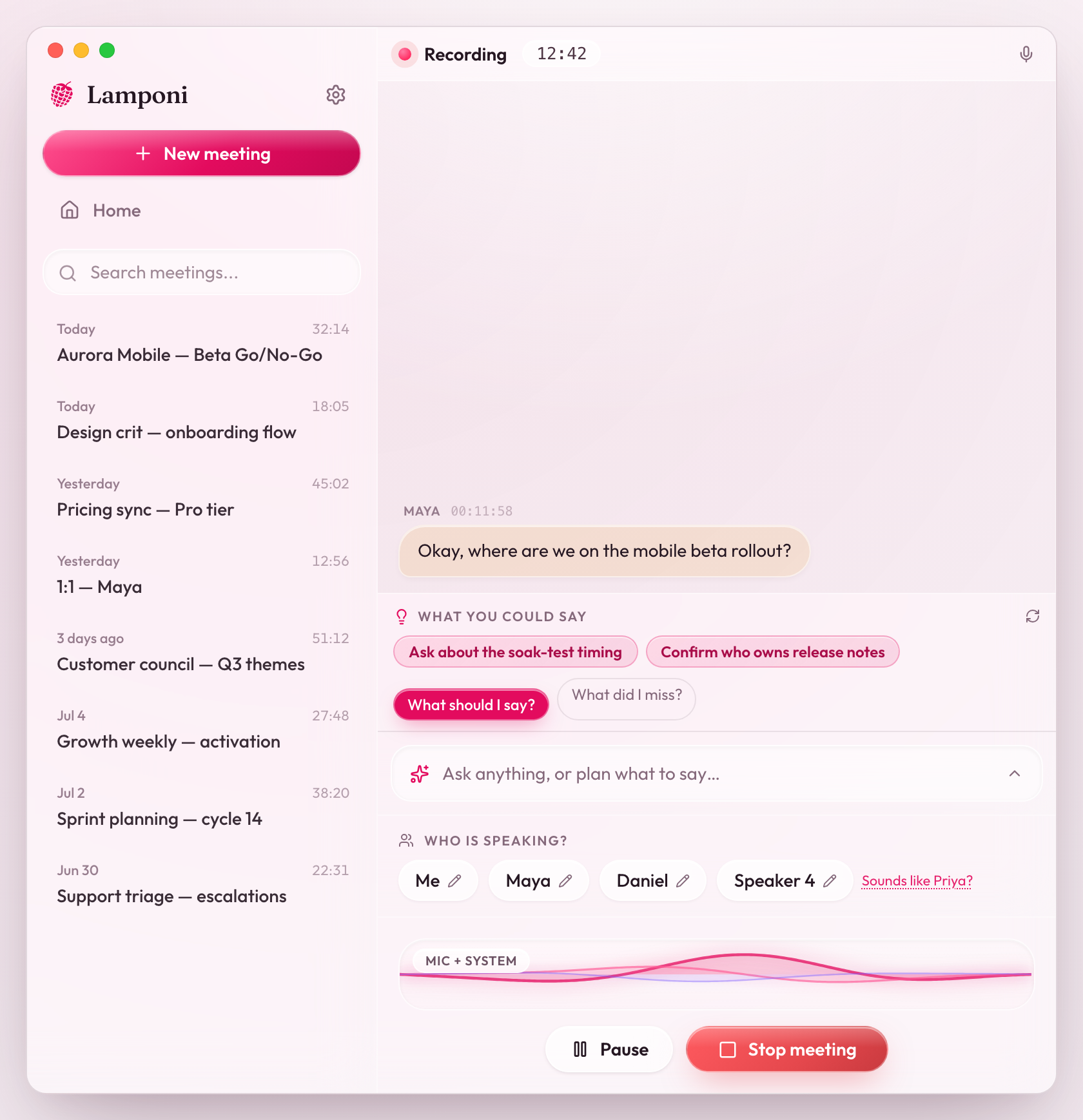
Works in person — and wherever your meetings happen
Ask it anything. Mid-call.
“Which unit did the tenant say the leak was in?” Ask right in the middle of a call — the answer comes back in seconds, cited to what was actually said.
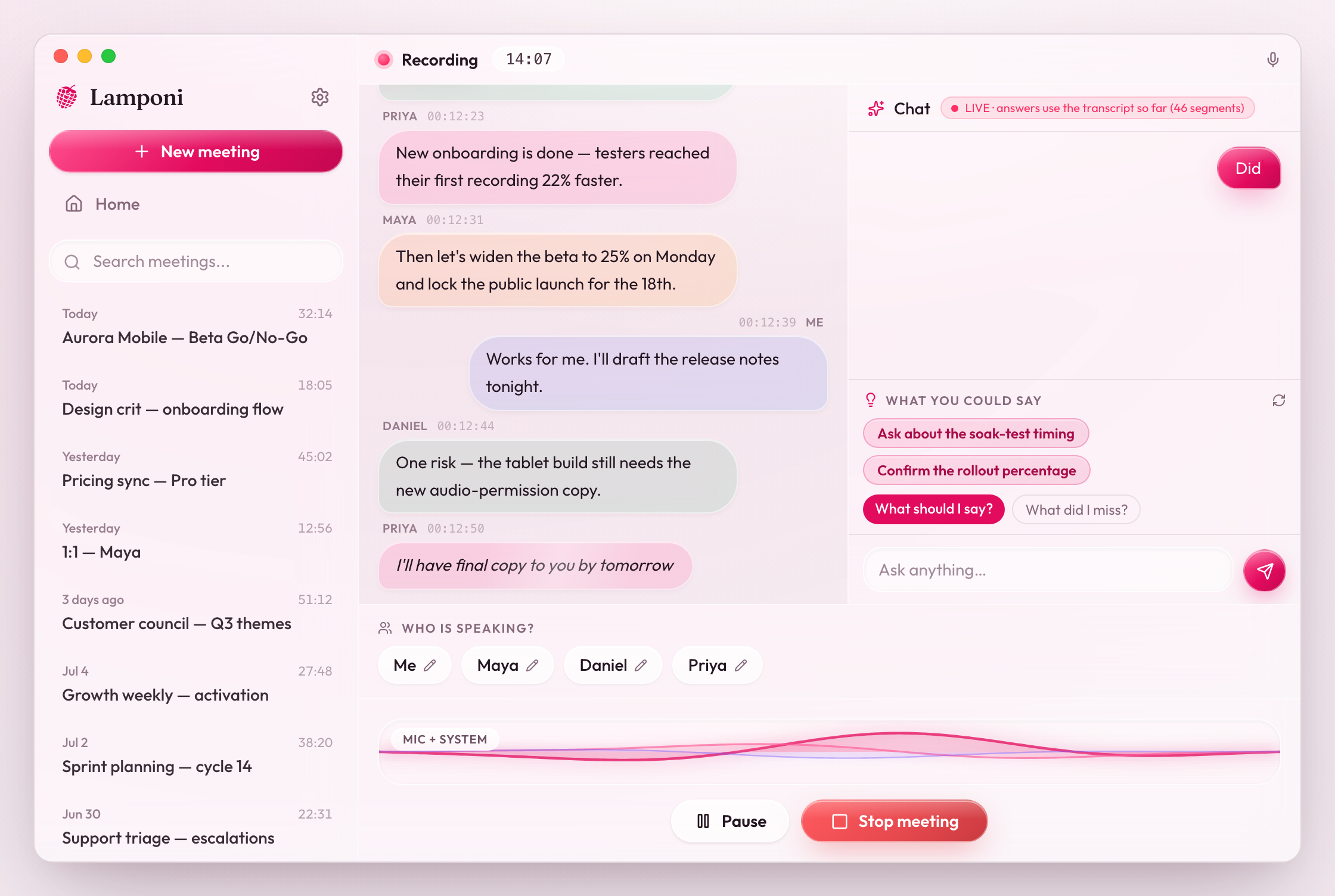
Record without the awkward guest.
No bot ever joins your call — the tenant, contractor or owner sees nothing. Lamponi captures your screen and the audio together, so the work order or unit photo you had open is saved next to the moment the repair was agreed.
Start recording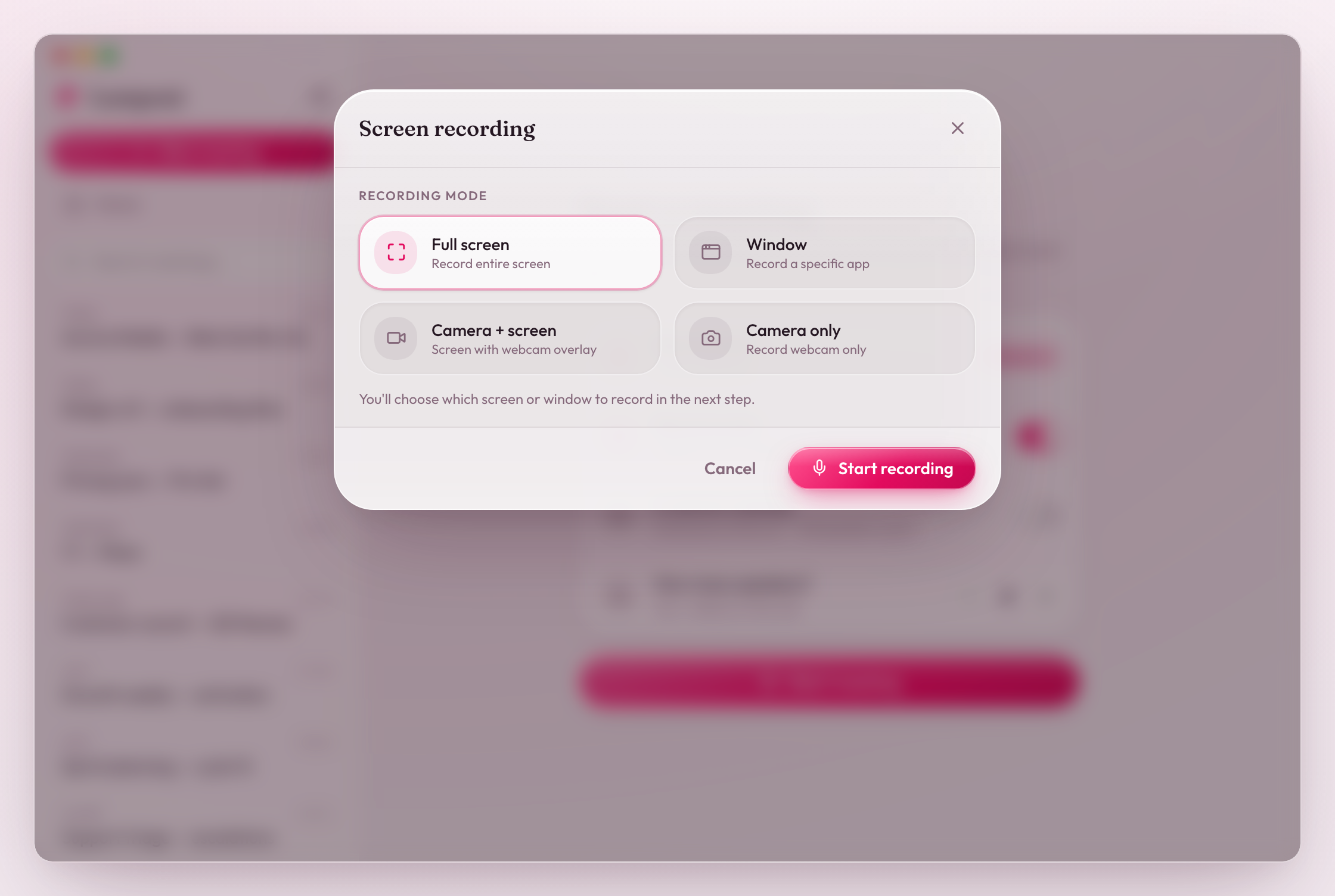
Summaries write themselves.
Writing up notes after every owner update and maintenance call is unpaid overtime. Every call ends with a clean recap in your Vault — ready to forward before the day is over.
Keep every meeting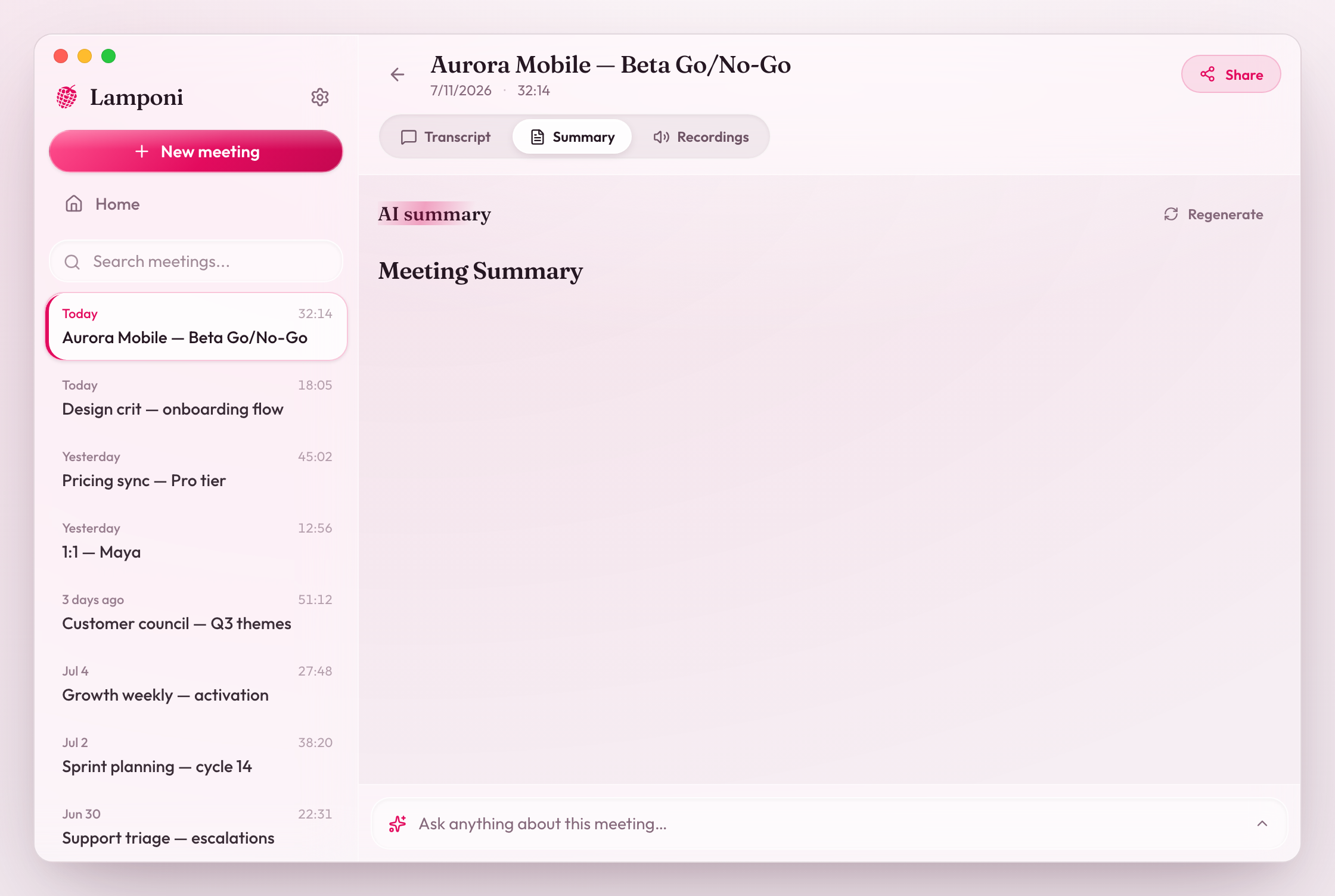
Built to connect the dots, not just take notes.
Screen and audio, together
It sees the deck and the demo, not just the voices — so nothing shown on screen is lost.
Knows who said what
Live transcription with speaker identification — every line is attributed, every quote traceable.
A memory across meetings
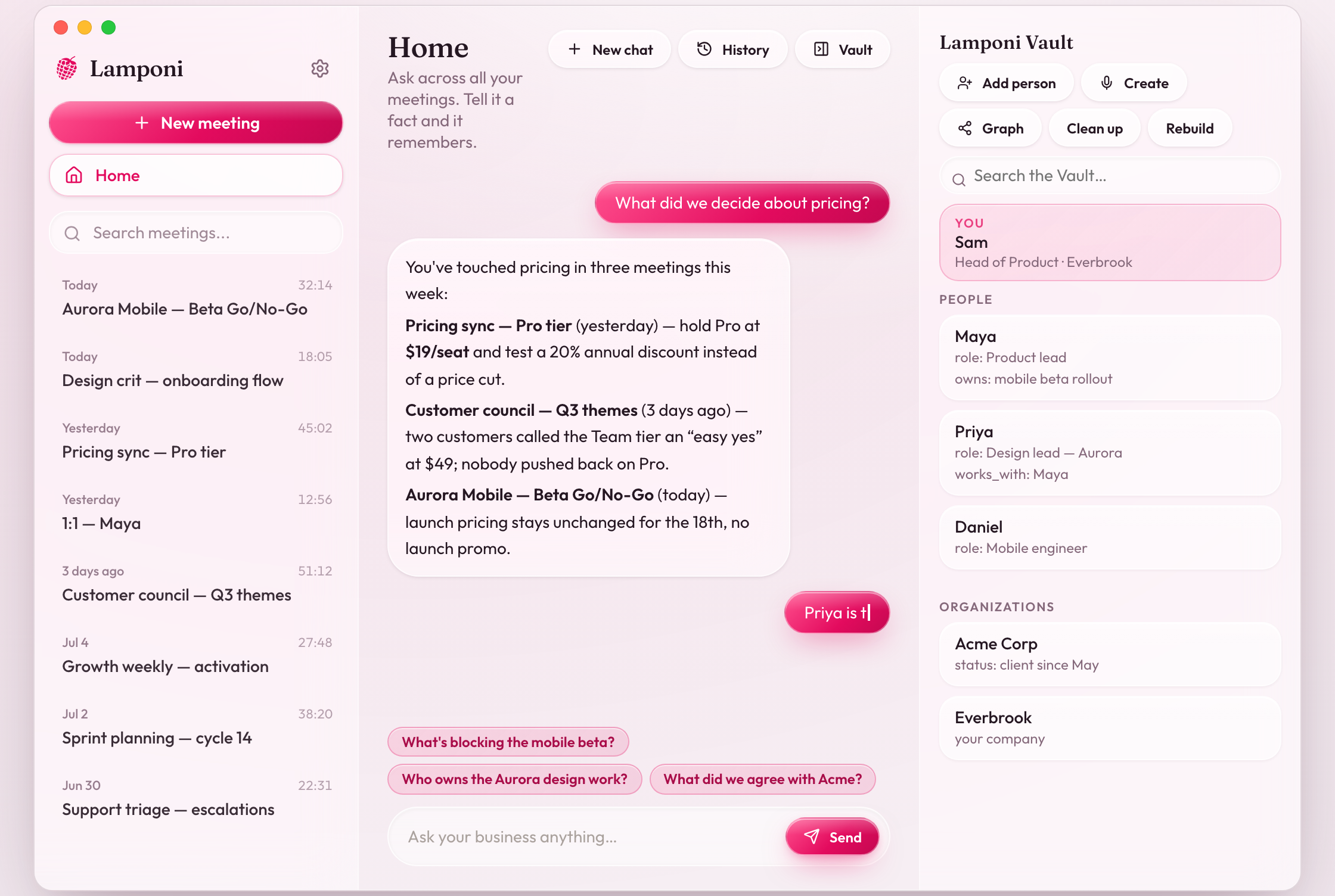
The Vault keeps everything searchable forever. Ask one question across all of it.
Share the whole meeting
Video, audio, transcript, summary and chat — one link carries all of it.
Open the link.
Video, transcript and chat — the owner or vendor opens it with no account.
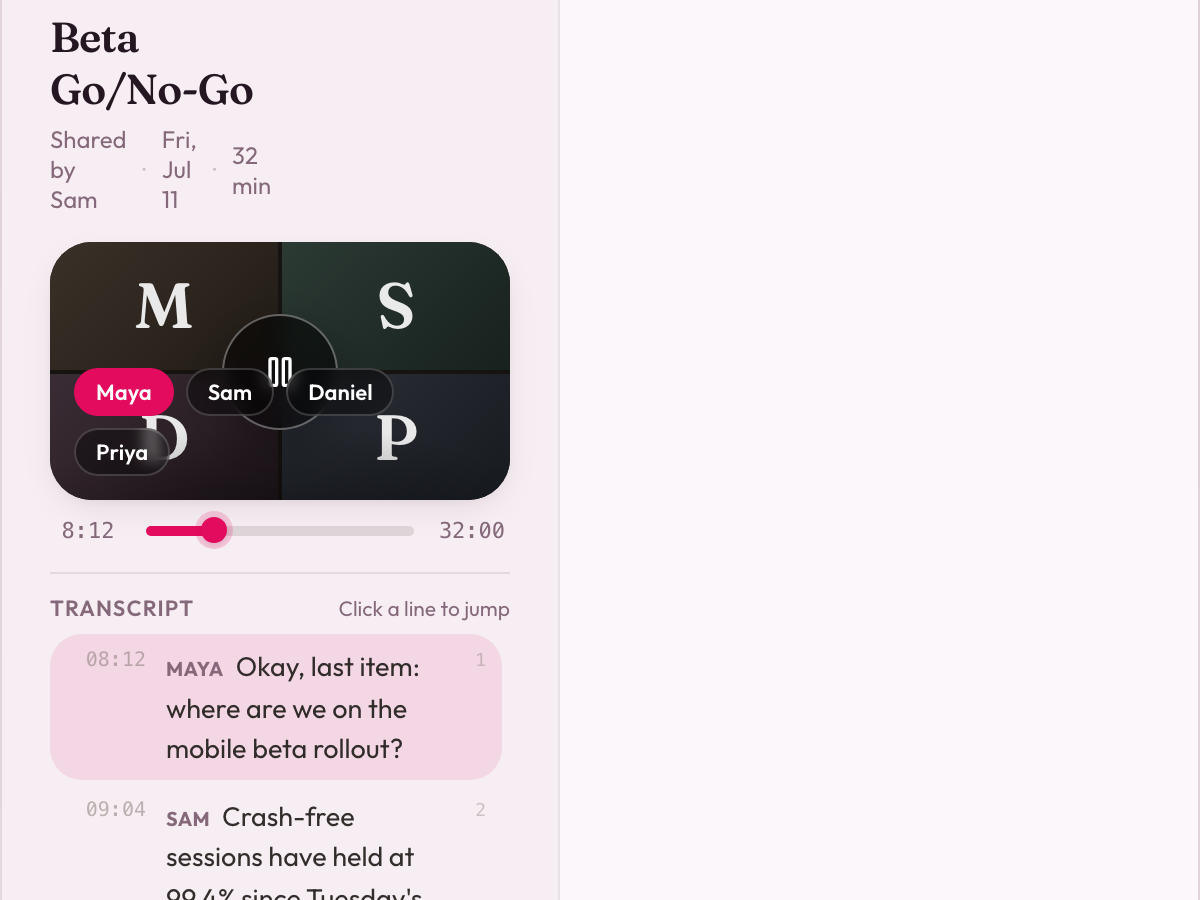
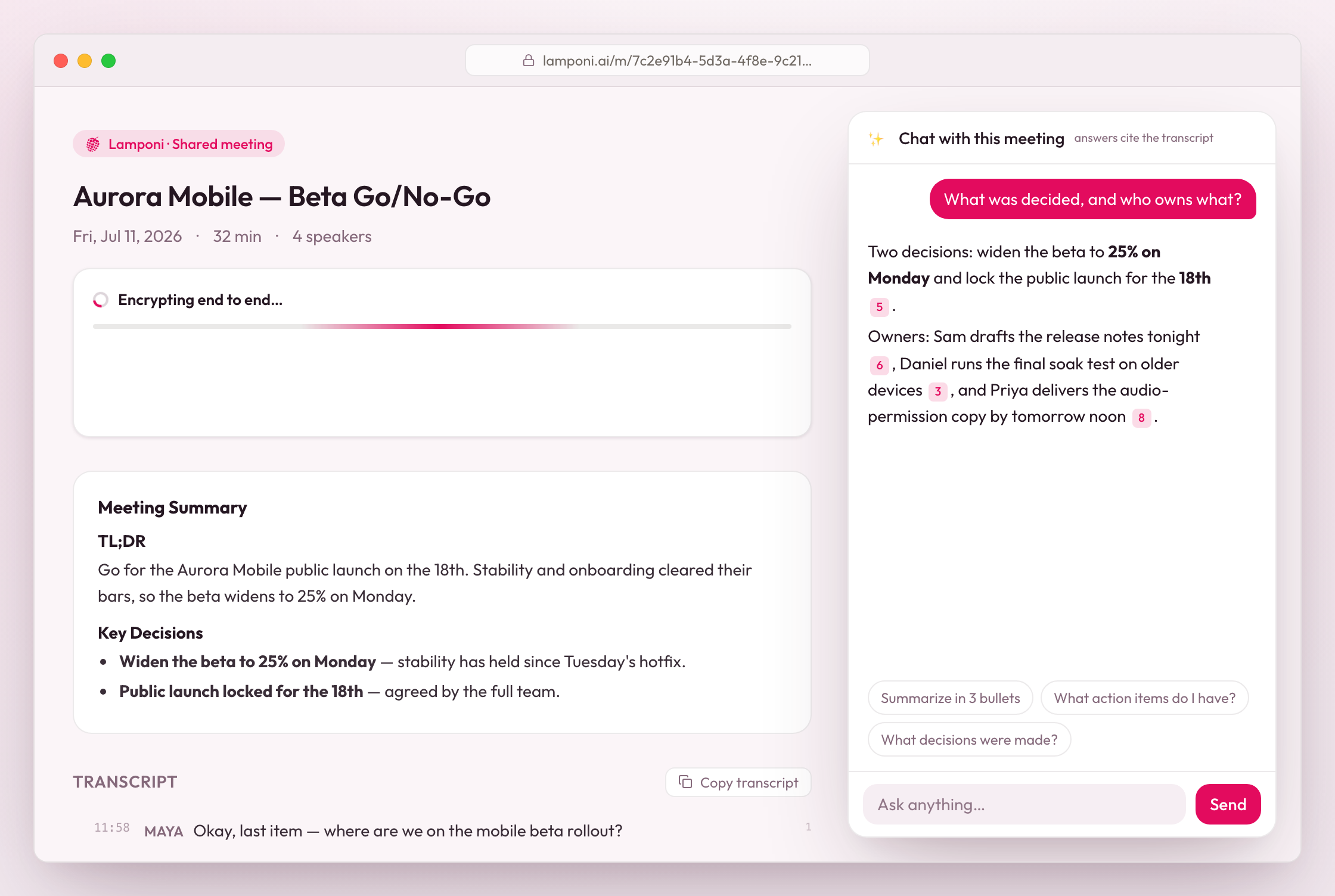
One encrypted link.
The entire meeting, for anyone you choose.
One Vault.
Ask across every tenant, maintenance and owner conversation you've had.
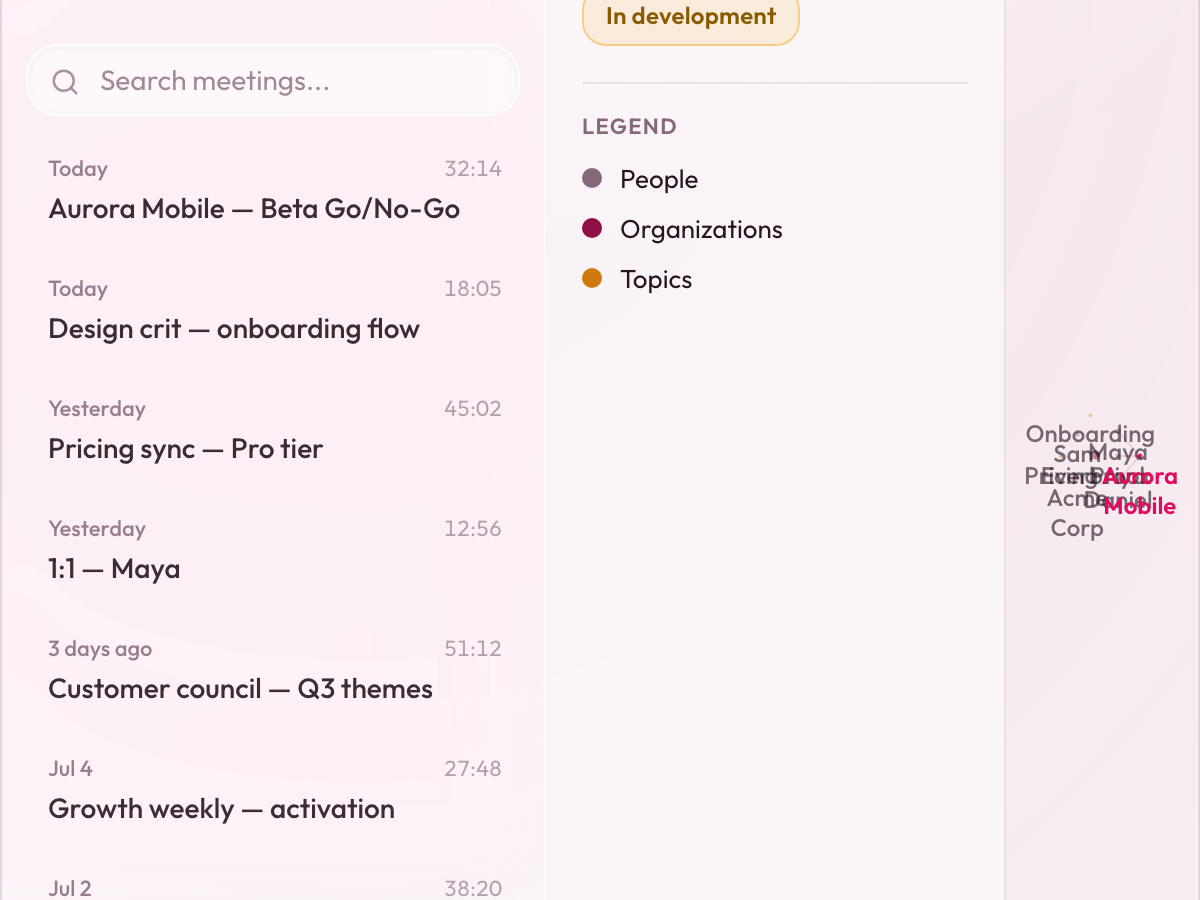
Every meeting and person, connected.
The knowledge graph, building itself as you record. In development · available to select users
We can't read your meetings. Not won't. Can't.
Everything is end-to-end encrypted on your device before it goes anywhere. Zero-access storage means the keys stay with you — and only you.
Zero-access storage
Recordings, transcripts, summaries, even meeting titles are encrypted before they leave your device. We hold ciphertext; you hold the key.
Your key, your data
Your password becomes an encryption key on your device and is never sent to us. Without it or your recovery code, no one can unlock your meetings — not even us.
AI that forgets
Transcription and AI read a meeting only for the moment of processing. They keep no copy and never train on it. Everything at rest stays encrypted.
The notetaker without the notetaker.
| Capability | Lamponi | Typical AI notetakers |
|---|---|---|
| No bot ever joins your call | Yes | — |
| Records your screen, not just the audio | Yes | — |
| A memory across every past meeting | Yes | — |
| Zero-access encryption — we can't read them | Yes | — |
Compared with typical bot-based cloud notetakers. Lamponi capabilities shown as shipped; features vary by product.
I've used every meeting tool out there but none of them actually connected the dots. Living with ADHD, I need more than just a transcript; I need a second brain. I built Lamponi to be it.
Pricing
Start free. Upgrade when you outgrow it.
Every plan includes end-to-end encryption. No credit card to start.
Fair questions, straight answers.
Is Lamponi free?
Yes — the Free plan is $0 and needs no credit card. You get 5 hours of recorded meetings a month, AI chat with your meetings, transcription with speaker ID, summaries, and end-to-end encrypted storage.
Does a bot join my calls?
Never. Lamponi records screen and audio directly on your device — no participant named “Lamponi Notetaker” appears in anyone's meeting. It works in person and on Google Meet, Microsoft Teams, Zoom, Slack, Webex and FaceTime.
Do I need consent to record a meeting?
Recording laws vary by country and state — some require everyone's consent. Lamponi keeps you in control: you choose when to start and stop, and everything stays encrypted on your device. Let participants know you're recording wherever the law requires it.
Is it on Mac and Windows?
Yes. Lamponi is a native desktop app for macOS and Windows, with Linux supported too.
Can Lamponi read my meetings?
No. Your meetings are end-to-end encrypted on your device, and storage is zero-access — we don't hold the keys. We can't read your meetings. Not won't. Can't.
Can I use Lamponi with my team?
Yes. Alongside individual plans, Lamponi offers Teams and Enterprise options — with volume pricing, SSO and procurement support for larger organizations.
Get started
Remember everything, starting with your next meeting.
Free to start. No credit card. No bot.